
"AI Agent in a Day" Workshop for Service and Knowledge-Based Companies
The first step toward your productive AI agent
📍 Zurich | 📅 September 11, 2026 | ⏱️ 1 day | 📄 349 CHF



OVERVIEW
AI agents are no longer just a topic for the future. What matters is their practical implementation.
AI agents are currently a hot topic everywhere. Their potential is well known, the tools are available, and expectations are high. In practice, however, they are often not put to productive use.
Many companies have concrete ideas and identified use cases. What is often missing is a clear path from the idea to Solution that actually works Solution everyday practice.
The "AI Agent in a Day" workshop for service and knowledge-based companies is designed to address exactly this need. It’s not about talking about AI agents or discussing possibilities. The goal is to build, test, and iteratively refine your own AI agents based on real-world use cases— in a structured, hands-on format, all in a single day.

USE CASES
Use cases to choose from – implemented in a focused manner during the workshop
After registering, please rank the available use cases in order of priority. Workshop groups will be formed based on your responses.
On the day of the workshop, you will work in a group on a specific agent, build the basic framework using Microsoft Copilot Studio, and adapt the agent step by step to your own daily work routine.
The result isn't just an abstract demo example, but a practical agent that you can understand, test, and further develop.

Project Management Agent
Extracts tasks, status updates, and next steps from meetings, transcripts, and project communications. Helps teams organize project information more quickly and keep track of open items.

Secretary
Helps with calendar planning, email sorting, and filtering relevant mentions in Teams. This makes important information easier to find and helps keep your daily work more organized.

Lead and Opportunity Qualification Agent
Helps you capture leads and opportunities faster, gather relevant information, and simplify your work with Dynamics 365 Sales using natural language.

Account Intelligence & Upsell Agent
Analyzes customer information, products, services, and communications to identify cross-selling and upselling opportunities, including white space analysis, meeting preparation, and an upselling plan.
Target audience
Who is this workshop intended for?
This workshop is designed for service and knowledge-based companies that want to not only understand AI agents but also put them to practical use. The focus is on practical implementation based on real-world use cases—not theory, not tool demos, and not lectures that yield no results.
The " AI Agent in a Day" workshop is deliberately designed to be hands-on. All participants actively engage in the process, contribute their own questions, and build a concrete AI agent with real-world applications during the workshop.
If you want to be able to say at the end of the day, “We’ve built something we can keep using,” you’ve come to the right place.
Suitable for:
Not suitable for:
* No prior technical knowledge is required. What matters most is having a specific use case and being willing to actively participate.
Procedure
Workshop Schedule
Step 1
Registration & Use Case Prioritization
- Workshop Registration
-
Sending a short questionnaire
-
Prioritizing Preferred AI Agent Use Cases
Step 2
Evaluation & Grouping
-
Analysis of all feedback
-
Formation of working groups based on priorities
-
Assignment to one of the selected use cases
- Communicating group assignments before the workshop
Step 3
Hands-on Workshop: Building and Customizing an Agent
-
Building the Agent Framework with Copilot Studio
-
Work in small groups on the assigned use case
-
Gradual adaptation to typical tasks and processes
-
Test, gather feedback, and improve iteratively
Step 4
Results & Next Steps
-
First functional agent based on a real-world use case
-
Clarity on further development and scaling
-
Specific next steps for implementation in day-to-day work
What you'll take away at the end of the day
Results & Context
What to bring:
Price: 349 CHF per person
Includes:
Agenda
An Overview of the Workshop Day
📅 September 11, 2026 | ⏰ 8:30 AM – 5:30 PM | 📍 Microsoft Switzerland, Zurich Airport, The Circle 02, 8058 Zurich
| Time | Program item | Focus |
|---|---|---|
| 8:30–9:00 | Arrival & Registration | Check-in, coffee, initial networking |
| 9:00 – 9:30 | Opening Keynote | Vision, Context, and Why AI Agents Are Becoming Relevant Now |
| 9:30–10:00 | Introduction & Best Practices | Setup, Procedure, and Shared Understanding for the Workshop |
| 10:00 – 10:15 | Coffee Break & Group Assignment | A quick recap and transition to the working groups |
| 10:15 a.m. – 12:15 p.m. | Hands-On Workshop – Part 1 | Basics, Agent Framework, and Initial Configuration |
| 12:15 – 1:15 p.m. | Lunch & Networking | Exchange and Networking |
| 1:15 p.m. – 1:45 p.m. | Customer Stories & Practical Insights | Real-world use cases, inspiration, and lessons learned from practical experience |
| 1:45 p.m. – 3:30 p.m. | Hands-On Workshop – Part 2 | Customize, test, and iterate on the agent |
| 3:30 – 3:50 p.m. | Coffee Break | Quick reset |
| 3:50 PM – 5:00 PM | Hands-On Workshop – Part 3 | Finalize, test, and prepare the results |
| 5:00 p.m. – 5:30 p.m. | Conclusion & Next Steps | Summary, Outlook, and Future Developments |
Account Intelligence & Upsell Agent
Identifies opportunities for upselling within existing customer relationships.
Analyzes projects, meetings, and data, identifies opportunities, and prepares talking points for account meetings.
Account Intelligence & Upsell Agent
Identifies opportunities for upselling within existing customer relationships.
Analyzes projects, meetings, and data, identifies opportunities, and prepares talking points for account meetings.
Don't just talk about it. Let's build it together.
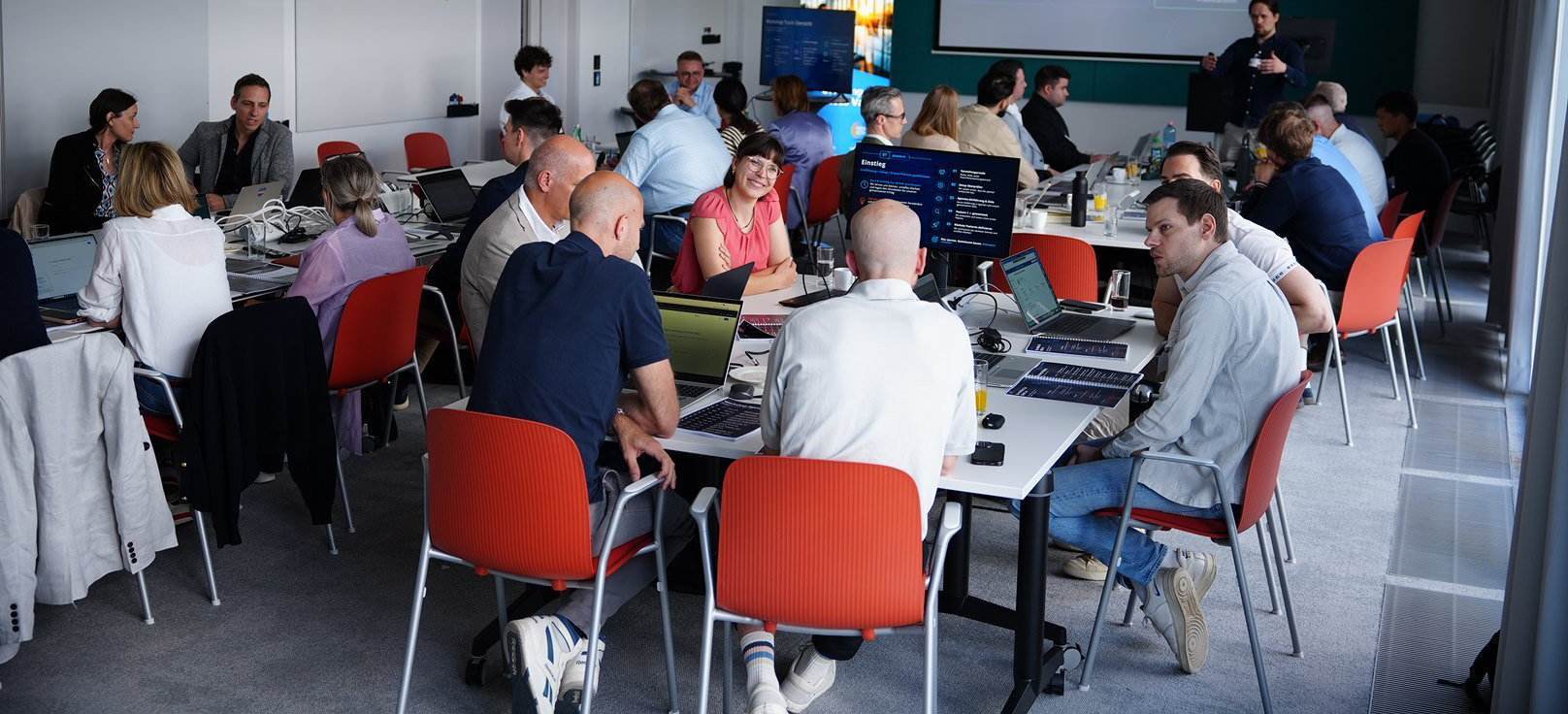
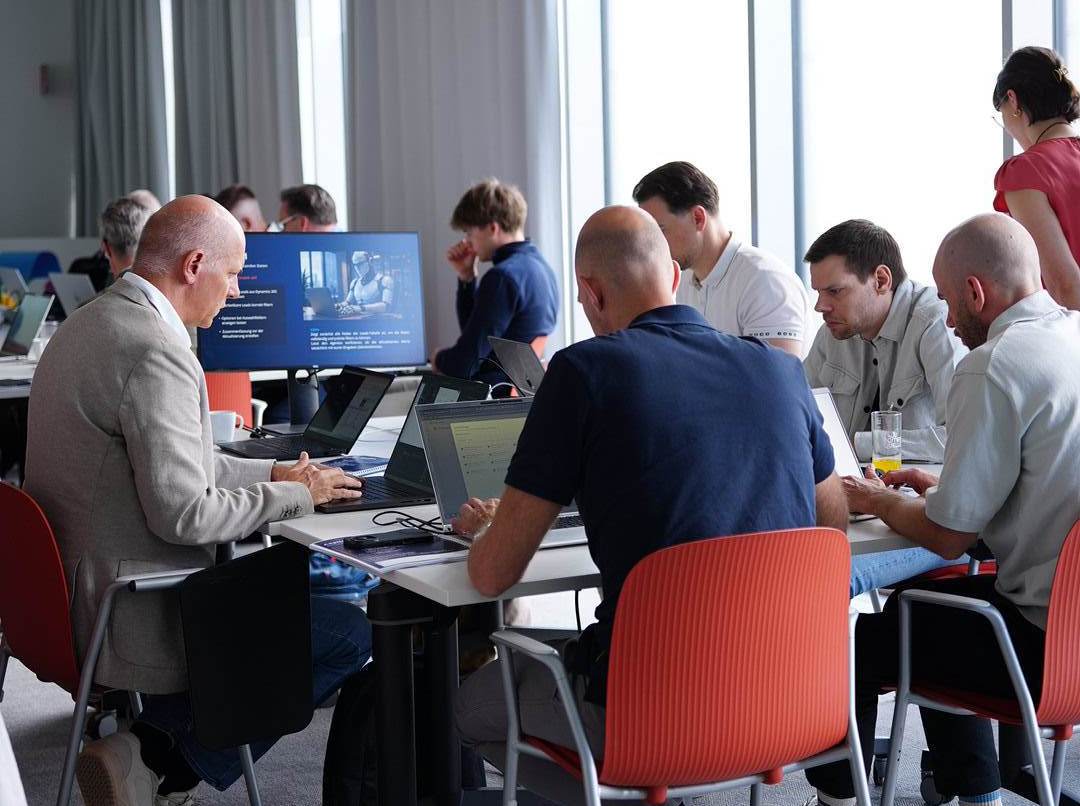
Highlights from the last workshop: focused working groups, genuine discussions, and a format that encourages active participation rather than just listening.



FAQ
Frequently asked questions (FAQ)
No. No advanced technical or programming knowledge is required to participate.
The important thing is that you understand your specific use case and are willing to actively participate. Our experts will guide you step by step through the process of building your AI agent.
Yes. The workshop is designed to be entirely hands-on.
You will develop your own AI agent, working together with your group and with active support from our AI team. This is not a demo or a theoretical exercise, but a practical implementation.
To some extent. During the workshop, you will work on an assigned use case selected based on the prior prioritization. You are welcome to bring your own ideas, requirements, or examples that fit within this context. Over the course of the workshop, the agent will be customized step by step and tailored more closely to typical tasks from your daily work.
The agents are built using Microsoft Copilot Studio and are primarily designed for use with Microsoft-based tools and data sources. Depending on the use case, these may include Microsoft Teams, Outlook, SharePoint, Dynamics 365 Sales, Planner, or Azure DevOps.
Each participant works intensively on a use case within a fixed working group. This keeps the workshop focused and results not only in a concept but also in an initial AI agent with practical applications.
Feel free to send us a Message inkubit. Our team of experts will answer your questions and help you determine whether the workshop is a good fit for your role, your company, and your current AI initiatives.
Registration
Register now
INKUBIT in a Day Workshop
Zurich | September 11, 2026
What to expect:
- Hands-on workshop instead of a lecture
- A practical use case with real added value
- The first AI agent as a result
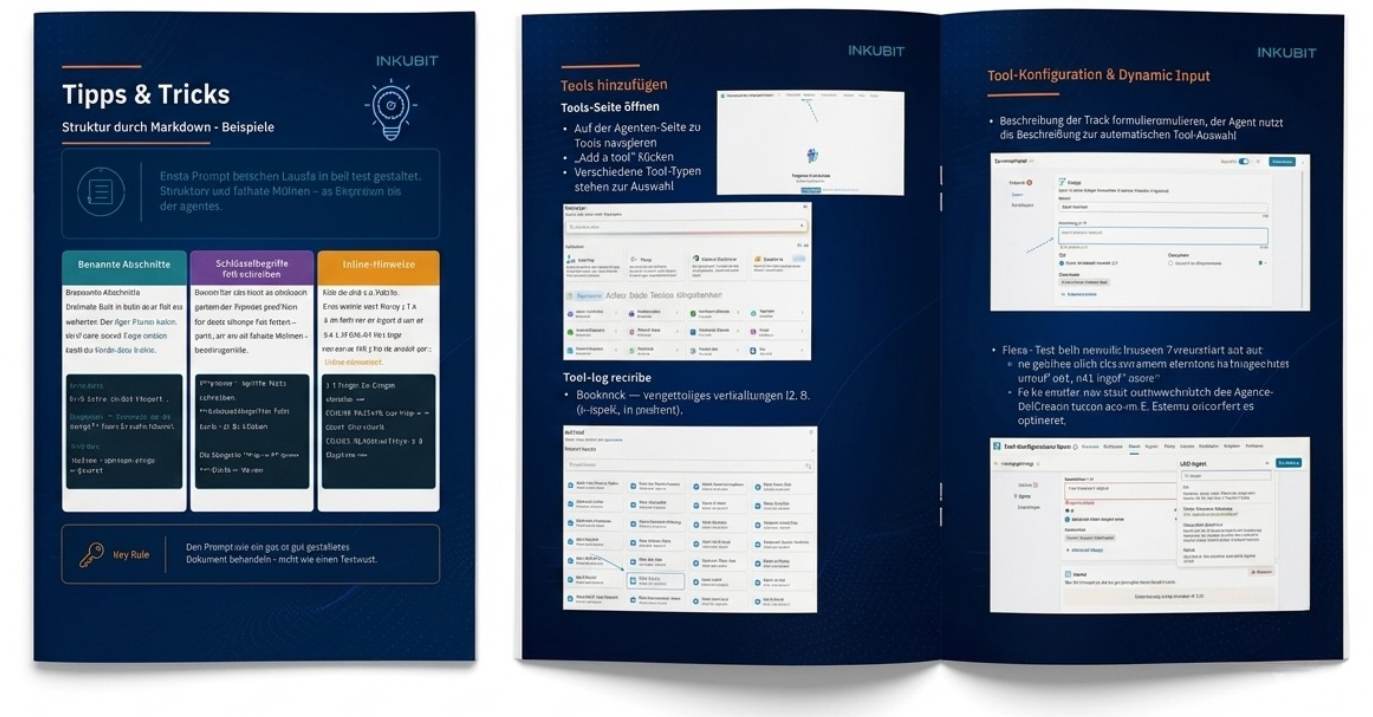
- Networking and discussion included
- Meals, materials, and results documentation included
*No prior technical knowledge required
Price: 349 CHF per person (net. Invoices are issued in euros. The final amount in euros will be calculated based on the exchange rate in effect on the invoice date. Additional bank or currency conversion fees may apply, depending on the customer’s bank.)
Sign up for the workshop
After you submit your request, you will receive a short list of use cases via email. You select your top 2 priorities, and we will confirm your group.